Glance Note
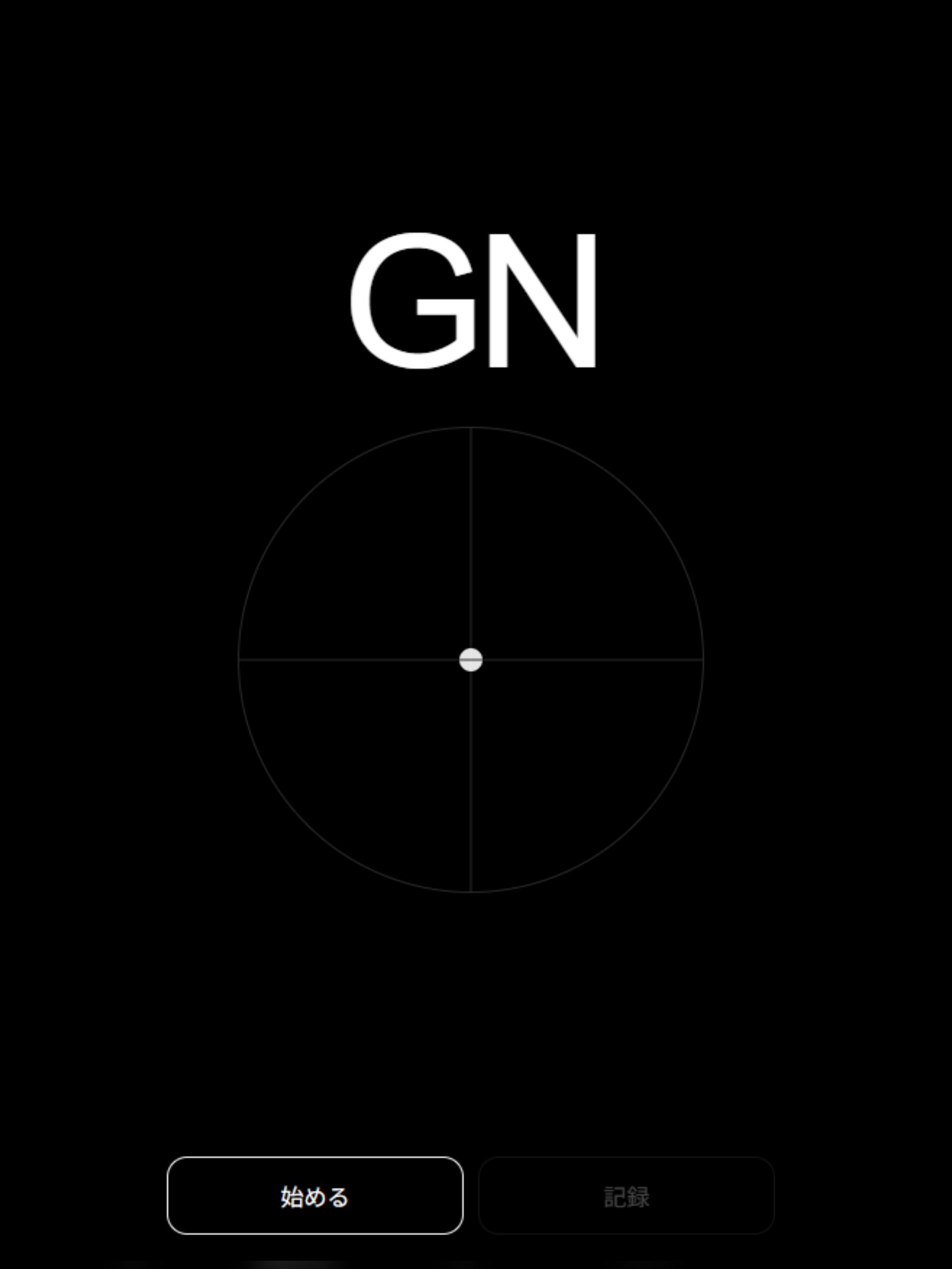
Glance Note は、視線をそのまま音に変えるミニマルなブラウザ楽器です。 目の動きによって音程や音量が変化し、静かな見た目の中に意外性のある演奏体験が立ち上がります。 Progressive Web App(PWA)として動作します。 - **左右の目線**で音程を変化 - **上下の目線**で音量を変化 - **Record** を押すと少し待って録音開始 - **Stop** で録音終了 - **WAV** 形式で保存可能 - iPhone / Android / デスクトップに **PWA としてインストール可能** UI は黒背景・中央の点・`GN` だけの、できるだけ透明な構成にしています。 ### 公開URL https://masato-nasu.github.io/Glance-Note/ ### 主な機能 - ミニマルUI - 視線による演奏 - 正弦波ベースの音 - WAV録音と保存 - PWA対応 - モバイル / デスクトップ両対応 ### 使い方 1. ブラウザで Glance Note を開きます。 2. **Start** を押します。 3. カメラの使用許可を与えます。 4. しばらく自然に正面を見ます。 5. 視線を動かします。 - **左右** = 音程 - **上下** = 音量 6. **Record** を押すと録音が始まります。 7. **Stop** を押すと録音が終わり、WAVを保存できます。 ### PWA のインストール方法 #### iPhone / iPad(Safari) 1. **Safari** で公開URLを開きます。 2. **共有** をタップします。 3. 下にスクロールして **ホーム画面に追加** を選びます。 4. 表示される場合は **Open as Web App** を有効にします。 5. **追加** を押します。Apple の iPhone ユーザーガイドでも、この Home Screen 追加手順が案内されています。 #### Android(Chrome) 1. **Chrome** で公開URLを開きます。 2. メニューを開きます。 3. **ホーム画面に追加** → **インストール** を選びます。 4. 画面の案内に従います。Google の Chrome Help でも、この Android 向け web app インストール手順が案内されています。 #### デスクトップ(Chrome) 1. **Chrome** で公開URLを開きます。 2. アドレスバーの **Install** ボタン、またはメニューを開きます。 3. **Install page as app** を選びます。 4. 画面の案内に従います。Google の Chrome Help でも、このデスクトップ向けインストール手順が案内されています。 ### 補足 - 視線制御のため、カメラ許可が必要です。 - 目元が明るい方が安定しやすいです。 - 更新後に挙動がおかしい場合は、PWA を一度削除して再インストールしてください。 ### 同梱ファイル - `README.md` - `screenshot1.png` - アプリ本体ファイル一式 --- ## English **Glance Note** is a browser instrument played with your eyes. Pitch and volume respond to gaze, creating a quiet but surprising experience in which the body becomes the interface. Works as a Progressive Web App (PWA). **Live app:** https://masato-nasu.github.io/Glance-Note/ ### Overview Glance Note is a minimal browser-based musical instrument controlled by gaze. - Look **left / right** to change pitch - Look **up / down** to change volume - Tap **Record** to start recording after a short delay - Tap **Stop** to end recording - Export the result as a **WAV** file - Install it as a **PWA** on iPhone, Android, or desktop The interface is intentionally simple: black background, a central point, and the `GN` mark. ### Live URL https://masato-nasu.github.io/Glance-Note/ ### Features - Minimal UI - Gaze-based control - Sine-wave sound engine - WAV recording and download - PWA support - Designed for mobile and desktop browsers ### How to use 1. Open Glance Note in your browser. 2. Tap **Start**. 3. Allow camera access when prompted. 4. Look at the screen naturally for a moment. 5. Move your gaze: - **Left / Right** = pitch - **Up / Down** = volume 6. Tap **Record** to start recording. 7. Tap **Stop** to finish and download the WAV file. ### Install as a PWA #### iPhone / iPad (Safari) 1. Open the live URL in **Safari**. 2. Tap **Share**. 3. Scroll down and tap **Add to Home Screen**. 4. Turn on **Open as Web App** if shown. 5. Tap **Add**. Apple documents this Home Screen web app flow in its iPhone user guide. #### Android (Chrome) 1. Open the live URL in **Chrome**. 2. Tap the menu. 3. Tap **Add to home screen** and then **Install**. 4. Follow the on-screen steps. Google documents this install flow for Android web apps in Chrome Help. #### Desktop (Chrome) 1. Open the live URL in **Chrome**. 2. Click the **Install** button in the address bar, or open the menu. 3. Choose **Install page as app**. 4. Follow the on-screen instructions. Google documents this desktop install flow in Chrome Help. ### Notes - Camera permission is required for gaze control. - For best results, use the app in a well-lit environment. - If a previously installed PWA behaves oddly after an update, remove it and reinstall it. ### Files - `README.md` - `screenshot1.png` - App source files